Direct calls
Ring a friend straight from your friends list. Their app plays a ringtone and they accept or decline — no meeting to schedule, no link to send.
 screenr
BETA
screenr
BETA
Call a friend directly, or spin up a server with audio rooms and text channels. Screenr is a real desktop app — no browser tab, no meeting links, no account to sell.
Share a window or a whole screen at any resolution your machine can push, up to 60 fps. Nothing is downscaled on the way — what you send is what they see.
Voice, video, screens and messages are end-to-end encrypted and travel straight to the other person. Nothing is stored to be read later.
Draw straight on top of a shared screen, or sweep a laser pointer across it, so everyone is looking at the same line instead of describing where to look.
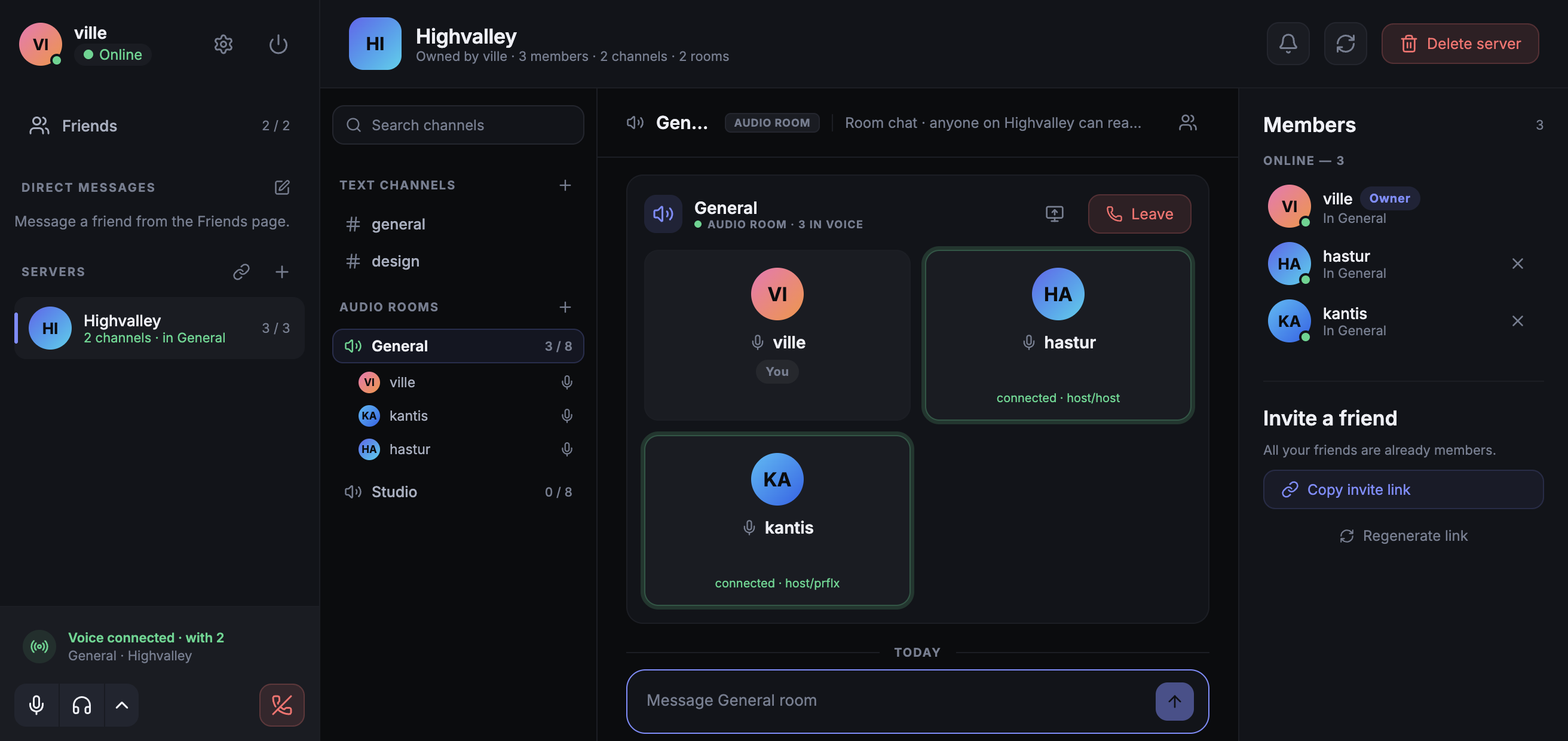
Voice chat, screen sharing and encrypted messages in one small app for macOS, Linux and Windows. No browser tab, no workspace to set up.
Ring a friend straight from your friends list. Their app plays a ringtone and they accept or decline — no meeting to schedule, no link to send.
Share a window or a whole screen, then draw straight on top of it so everyone is looking at the same thing you are pointing at.
A server keeps its members, audio rooms and text channels between sessions, so it is there tomorrow.
Direct messages, channels and threads go peer to peer, encrypted end to end on the way.
See who is online, which room they are sitting in and whether someone is sharing a screen.
Add a friend by name, or hand out one invite link that anyone can use to join your server.
Screenr's server is a directory and a switchboard. Everything you actually say, type or show travels straight to the other person.
Metadata only — the bookkeeping that lets two apps find each other.
Voice, video, screen shares and messages go straight between peers, encrypted end to end with DTLS-SRTP.
Your app asks the server how to reach your friend's app, and nothing more than that.
The two apps swap keys directly and open a DTLS-SRTP session only they can read.
Voice, video and screen frames flow peer to peer. The server has nothing left to carry.
Nothing reroutes your call through a machine you do not control. If two peers genuinely cannot reach each other, the app says so instead of quietly sending your audio somewhere else.
One download, no account to sell, nothing between you and the people you call.